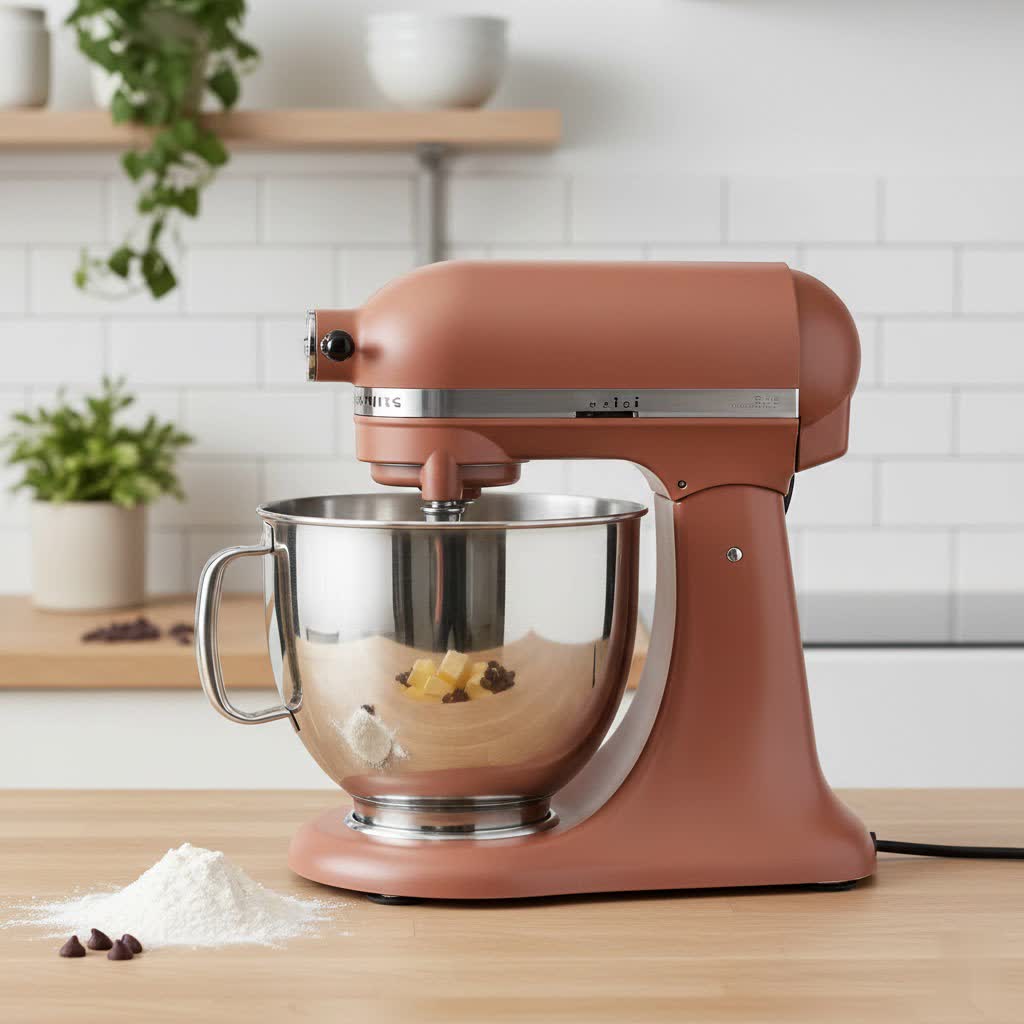
For bakers, chefs, and home cooks alike, the stand mixer is an indispensable ally in the kitchen, simplifying countless culinary tasks. Yet, even these robust machines are susceptible to damage, with the motor often being the first component to fail. Understanding the common missteps that lead to stand mixer motor burnout is crucial for extending your appliance’s lifespan and ensuring years of reliable service.
Understanding Your Stand Mixer’s Motor
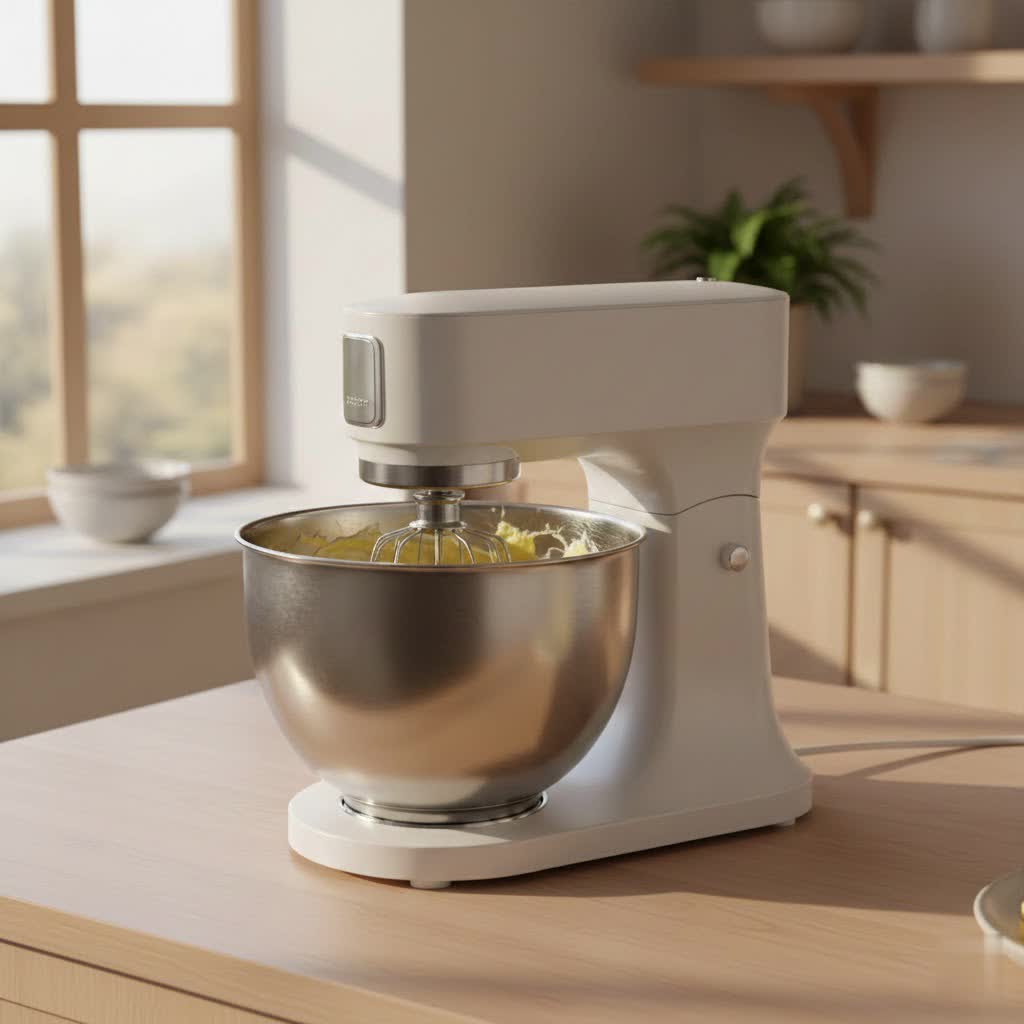
At the heart of every stand mixer lies its motor, a powerful engine responsible for delivering the torque needed to mix, whip, and knead. This motor drives a system of gears that translates power to the various attachments. When subjected to undue stress or improper operation, the motor can overheat, strain, and ultimately fail, leading to costly repairs or the need for a full replacement. Recognizing the limits and proper handling of your specific stand mixer model—whether a tilt-head or a more powerful bowl-lift design—is the first step in preventing motor burnout. Each mixer is engineered with a specific capacity and power rating, and pushing beyond these can put immense strain on the internal mechanisms.
Common Mistakes That Burn Out Your Stand Mixer Motor
Many users unknowingly engage in habits that drastically shorten their stand mixer’s life. Avoiding these prevalent errors can save you significant time, money, and frustration.
Overloading the Bowl
One of the most frequent culprits behind motor strain is simply asking too much of your mixer. Every stand mixer has a maximum capacity, not just in volume but also in the density and quantity of ingredients it can handle.
- Too Much Dough: Kneading large quantities of stiff bread or pizza dough puts immense pressure on the motor. The thick, resistant mixture forces the motor to work harder, generating excessive heat.
- Dense Ingredients: Mixing extremely thick batters or large amounts of heavy ingredients like mashed potatoes can similarly challenge the motor beyond its design limits.
|
Our Picks for the Best Stand mixer in 2026
As an Amazon Associate I earn from qualifying purchases.
|
||
| Num | Product | Action |
|---|---|---|
| 1 | Hamilton Beach Electric Stand Mixer, 4 Quarts, Dough Hook, Flat Beater Attachments, Splash Guard, 7 Speeds with Whisk, Easy-Carry Top Handle, Red |

|
| 2 | KitchenAid Classic Series 4.5 Quart Tilt-Head Stand Mixer K45SS, White |
|
| 3 | Kitchen in the box Stand Mixer,3.2Qt Small Electric Food Mixer,6 Speeds Portable Lightweight Kitchen Mixer for Daily Use with Egg Whisk,Dough Hook,Flat Beater (Black) |
|
| 4 | Stand Mixer Body with Stainless Steel Cladding Pro-Grade Powerful Kitchen Mixer for Baking Bread Dough Cake 10+p Speed Tilt-Head Electric Food Mixer With 6.5QT Bowl Dough Hook Wire Whisk Flat Beater |
|
| 5 | Hamilton Beach Electric Stand Mixer, 4 Quarts, Dough Hook, Flat Beater Attachments, Splash Guard 7 Speeds with Whisk, Black |
|
| 6 | Camic Stand Mixer, 4.2QT+5.3QT Two bowls Electric Food Mixer, 10 Speeds with Digital setting 3-IN-1 Kitchen Mixer for Baking Cakes Cookie Bread Salad with Egg Whisk,Dough Hook,Flat Beater (Black) |
|
| 7 | Martha Stewart Tilt-Head Stand Mixer, 12 Speed, 5.3QT Stainless Steel Bowl, Splash Guard with Pour Chute, Whisk, Dough Hook, Flat Beater, Electric Kitchen Baking Mixer, Bread, Cake, Whip, Linen White |
|
| 8 | KitchenAid Artisan Series 5 Quart Tilt Head Stand Mixer, KSM150PS, Juniper |
|
| 9 | KitchenAid Classic Series 4.5 Quart Tilt-Head Stand Mixer K45SS, Onyx Black |
|
| 10 | Stand Mixer, Kitchen in the box 3.2Qt Small Electric Food Mixer,6 Speeds Portable Lightweight Kitchen Mixer for Daily Use with Egg Whisk,Dough Hook,Flat Beater (Purple) |
|
To prevent this, always adhere to the manufacturer’s recommended capacities. If you need to mix a large batch, consider dividing it into smaller, manageable portions.
Ignoring Recommended Speed Settings
It might be tempting to crank up the speed to finish tasks quicker, but this can be detrimental, especially for heavy mixing. High speeds are for aerating light mixtures, not for powering through dense ones.
- Dough Hook Misuse: For instance, many stand mixer manufacturers, including KitchenAid, explicitly recommend using the dough hook at speed 2 for kneading bread dough. Higher speeds can overwork the motor and gears, leading to premature wear and overheating.
- Starting Too Fast: Initiating mixing at a high speed, particularly with dry ingredients, can not only create a mess but also shock the motor with sudden exertion. Always start at the lowest speed and gradually increase as needed, allowing the motor to adapt.
Prolonged Continuous Operation
Stand mixers, particularly for heavy tasks, are not designed for continuous, uninterrupted use for extended periods. Just like any motor, they generate heat during operation, and without adequate cooling, this heat can build up and damage internal components.
- Overheating Risk: Continuous operation, especially with tough tasks like heavy dough mixing, can cause the motor to overheat. This overheating can lead to permanent malfunction or costly repairs.
- Take Breaks: For recipes requiring extensive mixing or kneading, allow your mixer to rest for a few minutes between stages. This cooling-off period helps dissipate heat and prevents the motor from reaching critical temperatures.
Using the Wrong Attachments for the Task
Stand mixers come with various attachments—such as the paddle, whisk, and dough hook—each designed for specific functions. Using an incorrect attachment can put undue strain on the motor.
- Example: Attempting to knead heavy bread dough with a whisk attachment will not only yield poor results but will also force the motor to struggle immensely, as the whisk is built for aeration, not resistance.
- Consult the Manual: Always refer to your user manual to match the correct attachment with the specific mixing task. This ensures efficiency and protects your motor.
Plugging into a Power Strip
This often-overlooked electrical safety mistake can be a direct path to motor damage or even a fire hazard. Stand mixers are high-wattage appliances that draw significant electrical current.
- Overloading the Strip: Power strips are typically not designed to handle the high energy demands of a stand mixer. Plugging it into a strip can overwhelm the strip, leading to short-circuiting, melting, or appliance damage.
- Direct to Wall Outlet: To ensure stable power delivery and prevent electrical issues, always plug your stand mixer directly into a grounded wall outlet.
Neglecting the User Manual
Many users skip reading the instruction manual, assuming they know how to operate a mixer. However, each model has unique specifications, safety warnings, and maintenance guidelines critical for its longevity.
- Vital Information: The manual contains essential information on assembly, correct attachment usage, cleaning procedures, and troubleshooting tips. Ignoring it can lead to improper use that strains the motor.
- Warranty: It also often holds warranty information, which is crucial if your mixer malfunctions.
Insufficient Cleaning and Maintenance
A well-maintained mixer is a long-lasting mixer. Neglecting regular cleaning and occasional maintenance can lead to issues that indirectly strain the motor.
- Food Buildup: Food particles left on attachments or within crevices can affect performance, making the motor work harder to achieve desired results.
- Lack of Lubrication: Over time, the internal gears and moving parts may require lubrication to run smoothly. A lack of lubrication can increase friction, causing the motor to work harder and generate more heat. Regularly inspect for wear and tear and follow the manual’s maintenance recommendations.
Forcing the Mixer Through Difficult Ingredients
Sometimes, a recipe calls for ingredients that are simply too tough or dense for your specific mixer model. Forcing the mixer to power through such ingredients, even at a low speed, is a surefire way to stress the motor. It’s important to recognize when your mixer is struggling.
“A common mistake I’ve seen over my years in kitchen appliance repair is users pushing their mixers beyond their designed limits. If your mixer sounds like it’s laboring or smells hot, it’s a clear signal to stop and reassess, not to push harder.” – Admin, ReviewRM, Stand Mixer Technician
Signs Your Mixer Motor is Struggling (and How to Respond)
Being able to identify the warning signs of a struggling motor can prevent complete burnout.
- Burning Smell: This is one of the most immediate and serious indicators that your motor is overheating. It often signifies that the motor windings are getting too hot.
- Loud or Unusual Noises: While mixers make noise, a sudden increase in volume, grinding, or clunking sounds can point to worn gears, a lack of lubrication, or motor issues.
- Smoking: Any visible smoke from your mixer is a critical sign of severe overheating and impending failure.
- Slowed Performance or Stalling: If your mixer is significantly slower than usual, struggles to maintain speed, or stalls completely under a load it previously handled, the motor is likely overworked.
What to do: If you notice any of these signs, immediately turn off and unplug the mixer. Allow it to cool down completely. Assess the situation: Is the bowl overloaded? Are you using the wrong speed or attachment? If the problem persists after addressing these, it may require professional inspection or repair.
Proactive Measures to Extend Your Stand Mixer’s Lifespan
Protecting your stand mixer’s motor is about integrating smart habits into your cooking routine. These proactive steps can significantly enhance your appliance’s longevity.
- Always Read the Manual: Dedicate time to understanding your specific mixer model’s capabilities, limitations, and maintenance requirements.
- Respect Capacity Limits: Never overfill the bowl or attempt to mix quantities or densities of ingredients beyond what the manufacturer recommends.
- Use Correct Speeds and Attachments: Match the attachment to the task and adhere to the recommended speed settings, particularly for heavy doughs.
- Take Breaks for Heavy Mixing: Allow the motor to cool down during prolonged or intensive mixing sessions.
- Direct Wall Outlet Connection: Avoid power strips or extension cords; plug your mixer directly into a grounded wall outlet.
- Regular Cleaning and Occasional Lubrication: Keep your mixer and attachments clean after each use. Refer to your manual for any specific lubrication schedules or requirements.
- Listen to Your Mixer: Pay attention to its sounds and performance. If it’s straining or making unusual noises, investigate the cause before damage occurs.
- Store Properly: Ensure your mixer is stored in a dry, stable place where it won’t be easily knocked over or exposed to moisture.
Conclusion
Your stand mixer is a valuable kitchen investment, and its motor is the driving force behind its utility. By understanding and avoiding common operational mistakes such as overloading, using incorrect speeds, and neglecting proper electrical connections and maintenance, you can significantly prolong its life. Thoughtful usage and attentive care are key to preventing motor burnout, ensuring your stand mixer remains a reliable companion for all your culinary adventures. Are you ready to give your stand mixer the care it deserves and prevent those frustrating motor issues?
Frequently Asked Questions
Why does my stand mixer smell like it’s burning?
A burning smell typically indicates that your mixer’s motor is overheating, often due to being overworked by too many ingredients, a too-thick mixture, or running at too high a speed for a heavy task. Turn it off immediately and let it cool.
Can overloading a stand mixer cause permanent damage?
Yes, consistently overloading your stand mixer can put excessive strain on its motor and gears, leading to overheating, wear and tear, and eventually permanent damage or complete motor burnout. Always adhere to the manufacturer’s capacity recommendations.
What speed should I use for kneading dough in my stand mixer?
For most stand mixer brands, especially KitchenAid, it is generally recommended to use speed 2 for kneading bread dough. Higher speeds can overwork the motor and potentially lead to damage.
Is it safe to use an extension cord or power strip with my stand mixer?
No, it is strongly advised not to use extension cords or power strips with your stand mixer. These appliances draw a high wattage and should be plugged directly into a grounded wall outlet to prevent electrical overload, damage, or fire hazards.
How often should I clean and maintain my stand mixer?
Attachments and bowls should be cleaned after every use. The mixer base should be wiped down regularly. Refer to your user manual for specific deep cleaning and lubrication schedules, which may vary by model but are crucial for long-term motor health.
My mixer is making a new, loud noise. Should I be concerned?
Yes, unusual or loud noises, such as grinding or clunking, are often warning signs of internal issues like worn gears, insufficient lubrication, or a struggling motor. Stop using the mixer and consult your manual or a professional technician.