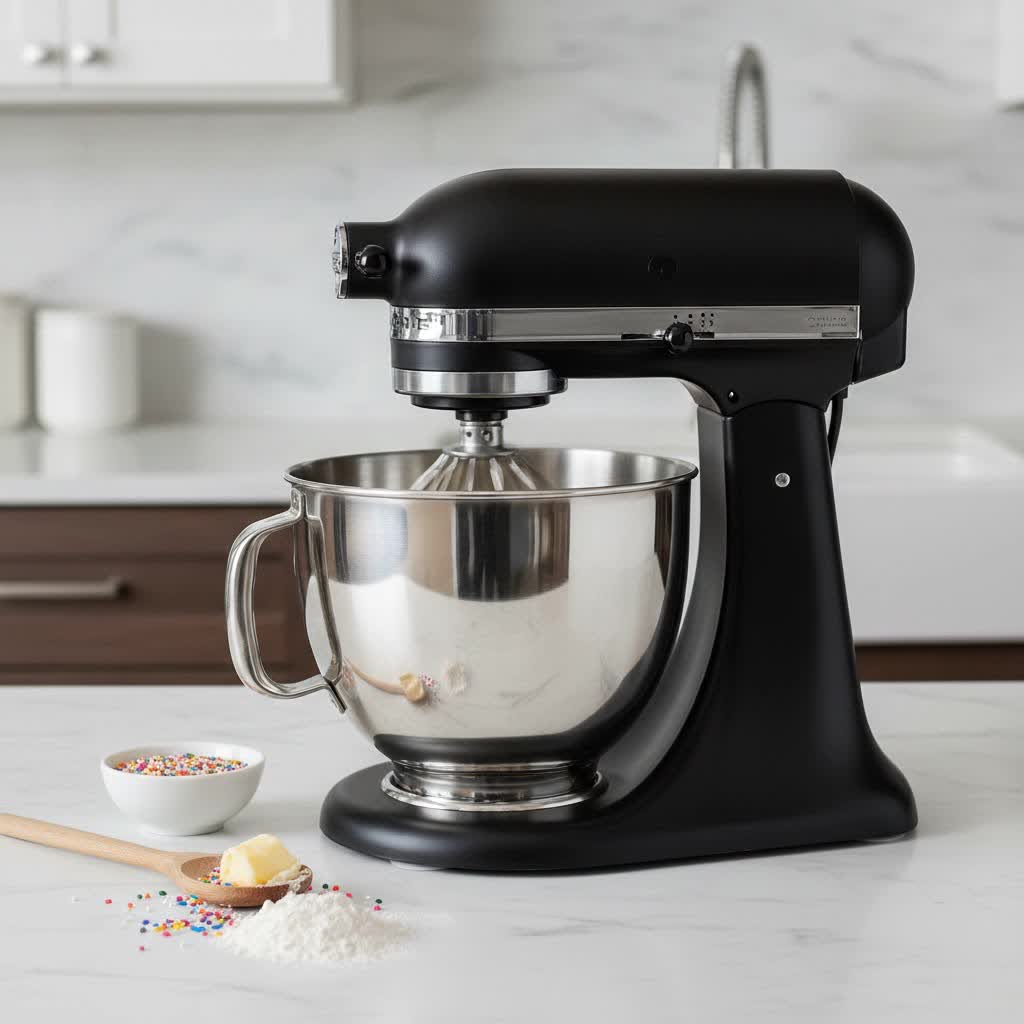
Is your trusty stand mixer shaking, rattling, and rolling more than it should? A wobbly mixer head is a frustratingly common issue for many home bakers and professional chefs alike, often turning a smooth mixing process into a chaotic ordeal. The good news is that for most tilt-head stand mixers, especially popular models like KitchenAid, this problem can often be resolved quickly with just one simple tool and a few minutes of your time. You don’t need to be a seasoned technician to bring stability back to your kitchen workhorse.
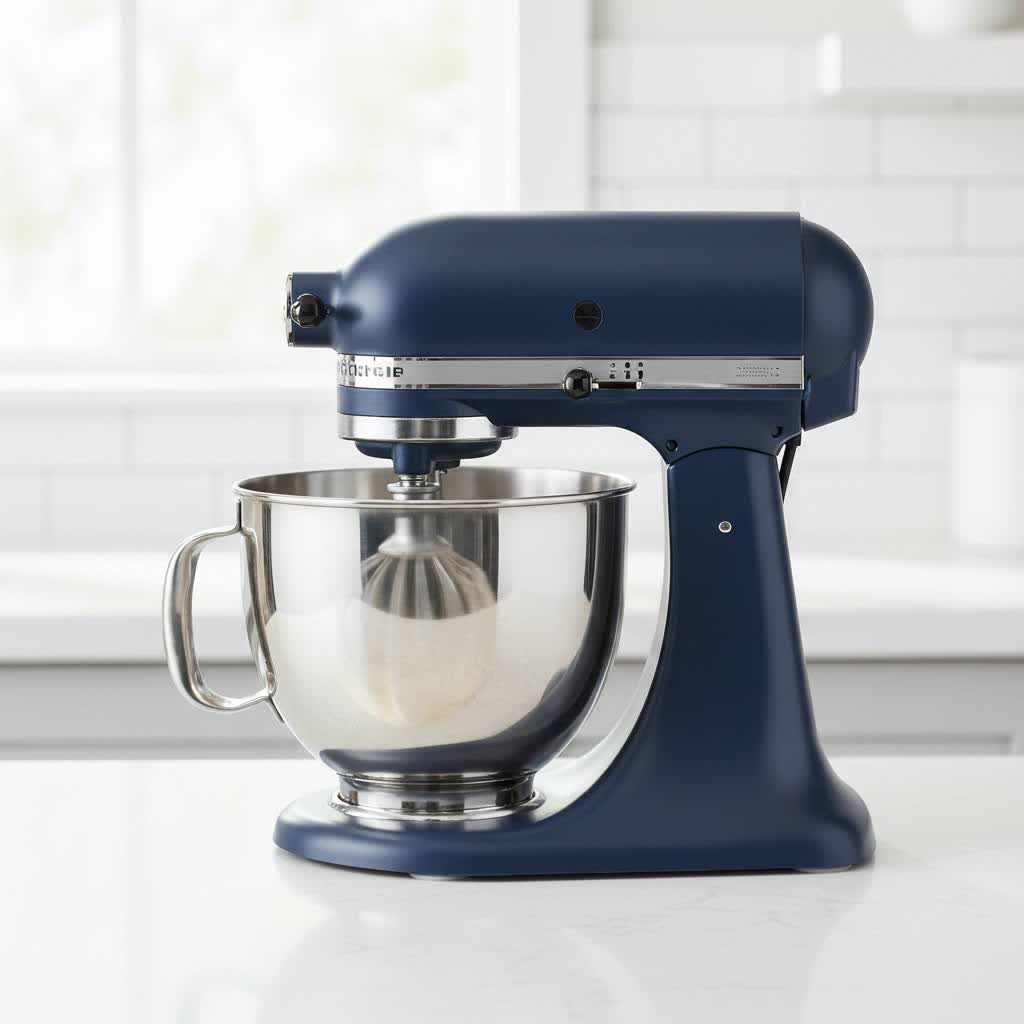
This guide will walk you through the precise steps to identify and fix a wobbly stand mixer head. We’ll focus on the quickest and most effective solution, ensuring your mixer is back to smoothly kneading dough and whipping cream in no time. With a little attention to detail, you can prevent potential damage, improve performance, and extend the life of your valuable appliance.
Understanding Your Wobbly Stand Mixer
A stand mixer is a significant investment, and its stability is crucial for both performance and safety. When the head begins to wobble, it’s not just an annoyance; it can impact the quality of your mixes and even pose a risk of the mixer moving or falling off the counter.
The primary culprit behind a wobbly head in many tilt-head stand mixers is a loose hinge pin or neck pin screw. This screw is designed to hold the mixer head securely to its base, allowing it to tilt for easy access to the bowl while remaining firm during operation. Over time, especially with frequent use for heavy tasks like kneading bread dough, this screw can gradually loosen. This loss of tension leads to the noticeable instability and shaking you experience.
“A loose hinge pin screw is the number one reason for a wobbly stand mixer head. It’s a simple mechanical issue that’s fortunately simple to fix, preventing more serious problems down the line.”
Fixing this issue promptly is essential. A continuously wobbling mixer puts undue stress on its internal components, potentially leading to premature wear or even damage to the motor. More importantly, an unstable mixer can vibrate itself off the countertop, risking injury or costly damage to the appliance itself.
Before You Begin: Safety First!
Before attempting any repair on your stand mixer, prioritize safety to prevent accidents or injury.
- Unplug Your Mixer: Always disconnect the power cord from the electrical outlet. This is the most critical step to ensure no accidental activation occurs while you are working on the appliance.
- Clear Your Workspace: Make sure you have a clean, stable surface to work on. Remove the mixing bowl and any attachments from the mixer to give yourself unobstructed access.
- Gather Your Tools: For this common fix, you will typically need only one tool: a flathead screwdriver. Choose one with a comfortable handle and a tip that fits snugly into the screw head to avoid stripping it.
With these safety precautions in place, you’re ready to tackle the wobble.
The 5-Minute Fix: Tightening the Hinge Pin Screw
Bringing stability back to your stand mixer is often a remarkably quick process. Follow these steps to tighten the hinge pin screw and eliminate that annoying wobble.
Step 1: Prepare Your Mixer
Table is empty.Begin by ensuring your stand mixer is completely unplugged from the power source. Remove the mixing bowl and any attachments. Place the mixer on a sturdy countertop or work surface where you have ample space to maneuver it safely.
Step 2: Position the Mixer
Gently tilt the mixer head back and lock it into the upright position. This provides better access to the area you’ll be working on. Now, carefully lay the entire mixer onto its side. This orientation allows you to easily see the underside of the mixer head where the critical adjustment screw is located.
Step 3: Locate the Adjustment Screw
Look along the base of the mixer, specifically where the tilt-head mechanism connects to the main body. You are searching for a single flathead screw situated in a recessed area, often described as being in the “abyss” or deep within the neck of the mixer. This screw is responsible for holding the hinge pin (also known as the neck pin) in place, which secures the head.
- Tip: If you have trouble seeing, a flashlight can be helpful to illuminate the recessed area.
Step 4: Tighten for Stability
Once you’ve located the screw, insert your flathead screwdriver firmly into the screw head. Turn the screwdriver clockwise to tighten the screw. You should feel increasing resistance as you tighten it. Turn it until it is snug and secure, but avoid overtightening, as this could strip the screw or damage the mixer’s housing. The goal is to eliminate the play and wobbling in the head, not to make it immovable.
- Note: If your hinge pin has completely come out (a rare but possible scenario), you may need to reinsert the metal pin into its slot before tightening the screw. Ensure the pin is flush with both sides of the mixer.
Step 5: Test Your Mixer
Carefully return your mixer to its upright position on the counter. Plug it back into the electrical outlet. Without any bowl or attachments, turn the mixer on to a low speed. Observe the head for any remaining wobble. If it still shakes, unplug it again and give the screw another small turn to tighten it further. Repeat this process until the head feels stable and secure during operation.
Your stand mixer should now be firm and ready for all your culinary adventures!
Beyond the Wobble: Adjusting Beater-to-Bowl Clearance (Bonus Tip)
While tightening the hinge pin screw addresses the physical wobble of the mixer head, sometimes a mixer might still shake or struggle, particularly with thicker doughs. This can be due to an incorrect beater-to-bowl clearance, where the attachment is either too high (not reaching ingredients at the bottom) or too low (hitting the bowl). While distinct from a “wobbly head,” this adjustment can significantly impact your mixer’s performance and perceived stability.
- The Dime Test: A common method to check clearance is the “dime test.” Place a dime in the bottom of an empty mixer bowl. Attach your flat beater. Turn the mixer on its lowest speed. If the beater is correctly adjusted, it should move the dime about one inch per rotation. If the dime doesn’t move at all, the beater is too high. If it moves too erratically or makes excessive noise, it might be too low.
- Adjusting Clearance: For tilt-head mixers, the screw for adjusting beater-to-bowl clearance is usually located on the neck of the mixer, behind the head (often inside the hinge area) or sometimes on the front of the head. It’s distinct from the hinge pin screw. Turning it clockwise typically lowers the beater, while turning it counter-clockwise raises it. Make small adjustments and re-test with the dime until the clearance is optimal.
Maintaining Your Stand Mixer for Lasting Performance
Regular maintenance can prevent future wobbles and ensure your stand mixer remains a reliable kitchen companion for years.
- Routine Checks: Periodically check the hinge pin screw for tightness, especially if you frequently use your mixer for heavy-duty tasks like bread making.
- Proper Handling: Always lift your stand mixer by its base, not by the tilt-head. Lifting by the head can put stress on the hinge mechanism, potentially loosening the screw or damaging the locking slot over time.
- Keep it Clean: Regularly clean your mixer, wiping down the exterior and removing any food debris from around the head and base. This prevents buildup that could interfere with its moving parts.
When to Call a Professional
While the hinge pin screw fix is effective for most common wobbles, there are instances when professional intervention or even replacement might be necessary.
- Persistent Wobble: If, after tightening the screw and adjusting beater clearance, the wobble persists, it could indicate a more complex internal issue, such as worn gears or damaged housing components.
- Broken Parts: If you notice any cracked plastic, bent metal, or components that seem broken, it’s best to consult a qualified technician. Attempting to fix damaged internal parts without expertise could worsen the problem or void your warranty.
- Other Issues: If your mixer is also exhibiting other problems like strange noises, smoke, inconsistent speeds, or a complete failure to operate, these are signs of more serious mechanical or electrical failures that require professional assessment.
Conclusion
A wobbly stand mixer head doesn’t have to be a permanent fixture in your kitchen. With just a flathead screwdriver and a few minutes of your time, you can typically restore stability and quiet operation to your appliance by simply tightening the hinge pin screw. This straightforward repair not only enhances your baking experience but also helps to prolong the life of your valuable mixer. Remember to prioritize safety by unplugging the unit before starting, and consider making this quick check a part of your regular mixer maintenance. Get ready to enjoy countless more moments of effortless mixing and baking!
Now that you’ve got your mixer working perfectly, what delicious recipe will you tackle first?
Frequently Asked Questions
Why does my KitchenAid mixer head wobble?
The most common reason for a wobbly KitchenAid mixer head, particularly tilt-head models, is a loose hinge pin screw located underneath the base. This screw provides tension that keeps the head securely attached to the stand. Over time and with heavy use, this screw can loosen, causing the head to become unstable and shake during operation.
Can a wobbly stand mixer head be dangerous?
Yes, a wobbly stand mixer head can pose safety risks. An unstable mixer might vibrate excessively, potentially moving across the countertop and falling off, which could cause injury or damage to the appliance and your kitchen. It can also lead to premature wear on the mixer’s internal components if left unaddressed.
How often should I check my stand mixer’s head for wobble?
It’s a good practice to periodically check your stand mixer’s head for any signs of wobble, especially if you use it frequently or for demanding tasks like kneading dense bread dough. A quick check every few months, or whenever you notice any unusual shaking, can help you catch and fix the issue before it becomes more pronounced.
Do all stand mixers have this adjustment screw?
Most tilt-head stand mixers, including many popular KitchenAid models, feature an external adjustment screw for the hinge pin that can be tightened. However, the exact location and type of screw may vary by brand and model. Bowl-lift Stand Mixers generally have a different design and adjustment mechanism for their head stability.
What if tightening the screw doesn’t fix the wobble?
If tightening the hinge pin screw does not resolve the wobble, it could indicate other issues such such as worn internal components, damaged parts, or an improperly seated hinge pin. In such cases, it’s advisable to consult your mixer’s user manual, contact the manufacturer’s customer support, or seek assistance from a professional appliance repair technician.